ERP & Business Management

    Custom ERP Development Shaped Around Your Business

    One system for the work your business actually does: quotes, jobs, stock, purchasing, staff, invoicing and reporting. Built around your process, connected to your accounting software, and owned by you.

    Melbourne-based team Xero and MYOB integration You own the code and data Last updated:
    The Short Answer

    What is a custom ERP system?

    An ERP (enterprise resource planning) system brings a business's core operations into one platform: sales and quoting, jobs or orders, inventory, purchasing, staff, invoicing and reporting. A custom ERP is built around one organisation's process rather than a generic template. For Australian SMEs it usually means replacing several disconnected apps and spreadsheets with a single system that integrates with Xero or MYOB for accounting.

    Common Challenges

    When Disconnected Systems Start Costing You

    1

    Quotes live in one tool, jobs in another and invoices in a third, and nothing matches

    2

    Stock figures in the system never agree with what is actually on the shelf

    3

    Month-end reporting means exporting everything into a spreadsheet

    4

    Enterprise ERP products quoted to you are priced and built for companies ten times your size

    5

    Staff spend hours each week re-entering the same customer and job details

    If any of these sound familiar, we can fix it.

    Modular

    Start small, add modules later

    Integrated

    Xero, MYOB, payments, SMS

    You own it

    Source code, data and IP

    In writing

    Itemised scope before any build

    What We Deliver

    Modules We Build Into Custom ERP Systems

    Start with the modules that matter most, then add more as the business grows.

    Quoting & Sales

    Quote templates, approvals, pricing rules and conversion to jobs or orders in one click, with every customer interaction on record.

    Jobs & Scheduling

    Job cards, scheduling, staff allocation, checklists and status tracking, with a mobile view for staff on site.

    Inventory & Purchasing

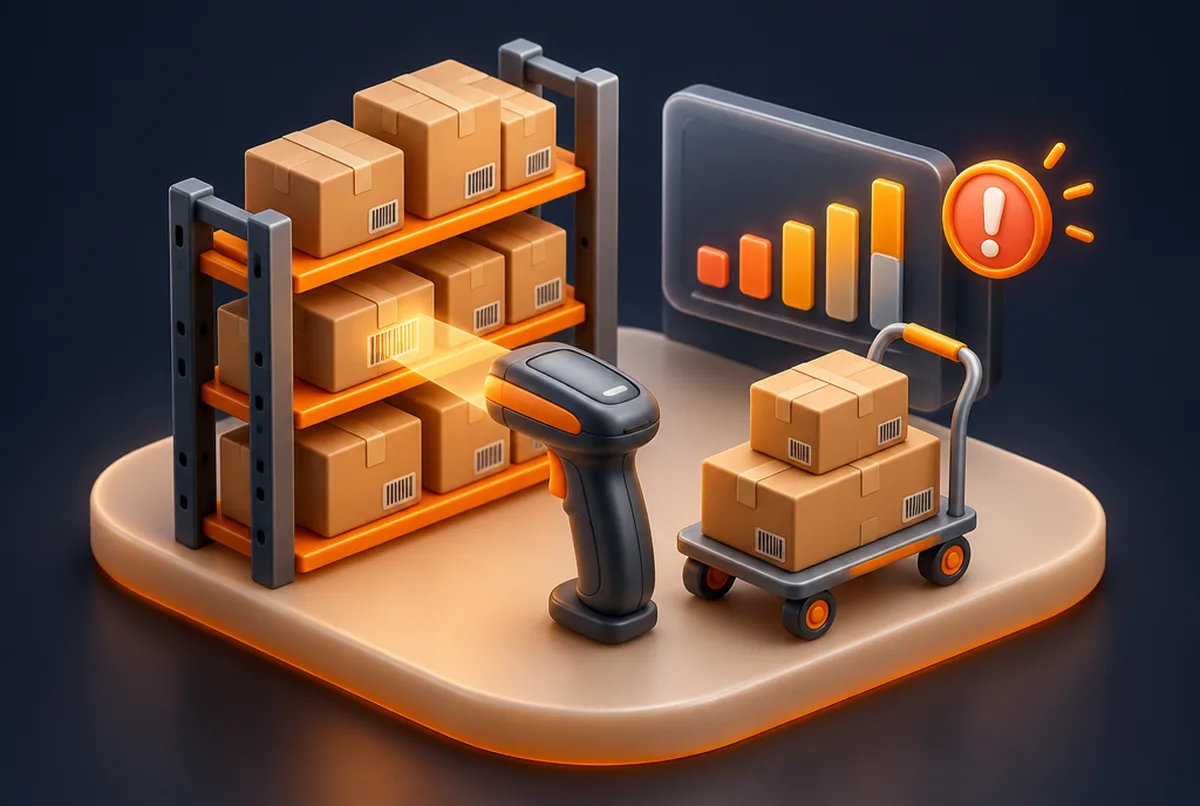
    Stock levels across locations, barcode scanning, low stock alerts, supplier records and purchase orders.

    Invoicing & Accounting Sync

    Invoices generated from completed work and synced to Xero or MYOB, so your bookkeeper never re-keys a line.

    Staff & Timesheets

    Employee records, rosters, leave and timesheets that feed directly into job costing and payroll exports.

    Dashboards & Reporting

    Live dashboards for sales, jobs, margins and stock, replacing the month-end export with numbers that are always current.

    Our Process

    Simple. Fast. Professional.

    01

    Process Mapping

    We follow a quote, a job and an order through your business end to end and document every hand-off.

    02

    Module Plan & Proposal

    An itemised proposal for the first release and later modules, so you can phase the investment.

    03

    Build & Migrate

    Sprint-based build with fortnightly demos, plus migration of customers, products and open jobs from your current tools.

    04

    Go Live & Grow

    Staff training, a supported go-live and ongoing development as you add modules.

    Custom ERP or an off-the-shelf product?

    If a product such as a mainstream job management or inventory app already fits your process, use it. It will be cheaper and faster. Custom ERP is worth it when your process is genuinely different, when you are stitching together several subscriptions that never quite agree, or when per-user licence fees are growing faster than the business.

    A common middle path is a custom core that handles what makes your business different, integrated with best-in-class products for the rest, such as Xero for accounting. We scope both options honestly.

    How do you move our data across from the old system?

    Migration is planned in the scope, not left to the end. We map every field in your current tools, clean duplicates, import customers, products, suppliers and open jobs, and run test imports your team checks before go-live. Where it reduces risk, the old and new systems run side by side for a short period.

    Can we build the ERP in stages?

    Yes, and we recommend it. Most clients start with the module that causes the most pain, often jobs and invoicing or inventory, and add others once the team is using the system every day. Each stage has its own itemised quote, so the investment is phased and every release delivers something usable.

    Built by Alltechzone

    Software We Have Already Built

    Our own platforms, designed and engineered by the same team that would build yours.

    Inventory Management System by Alltechzone
    Available for demo

    Inventory Management System

    Know what you have, where it is and when to reorder. Barcode scanning, low stock alerts and supplier records built for small warehouses and retail.

    Book a demo
    Office Management System by Alltechzone
    Available for demo

    Office Management System

    The back office, organised. Employee records, leave requests, document storage and internal notices, so the business runs without a wall of shared drives.

    Book a demo
    Task Management System by Alltechzone
    Available for demo

    Task Management System

    Kanban boards, checklists, due dates and comments, kept simple enough that people update it. Built for teams that have outgrown group chat.

    Book a demo
    Google reviews

    What our clients say on Google

    We don't write our own testimonials. Read unedited reviews from Alltechzone clients directly on Google.

    FAQ

    Frequently Asked Questions

    Every ERP is quoted after a process mapping session. You receive a written, itemised proposal listing each module, integration and milestone with its cost, in AUD and plus GST. Cost depends on the number of modules, user roles, integrations and data migration. Building in stages lets you spread the investment and start with the module that matters most.

    Yes. Accounting integration is one of the most common requirements we build. Invoices, payments, customers and items can sync automatically with Xero or MYOB, so your accounting stays in the product your bookkeeper or accountant already uses.

    A first release covering one or two core modules typically takes eight to sixteen weeks, depending on integrations and data migration. Further modules are added in later sprints. You see working software every fortnight throughout the build.

    Yes. Systems are built to work on phones and tablets in the browser, and where staff need offline access, camera or barcode scanning on site, we build a companion mobile app in React Native that shares the same data.

    You do. You own the source code, database and intellectual property, and there are no per-user licence fees. The code lives in a repository you control, with documentation so another developer could continue it if needed.

    Map Your Process, Then Decide

    Book a process mapping session. You will get a written, itemised proposal and an honest view on whether custom is right for you.

    Free Consultation No Obligation Fast Turnaround

    Alltechzone Support

    Online

    Hi there! 👋
    How can we help you promote your business today?

    Powered by WhatsApp